Code Agent Codex / Claude Code / OpenCode
Steps
Reference

Use Key
on the right.
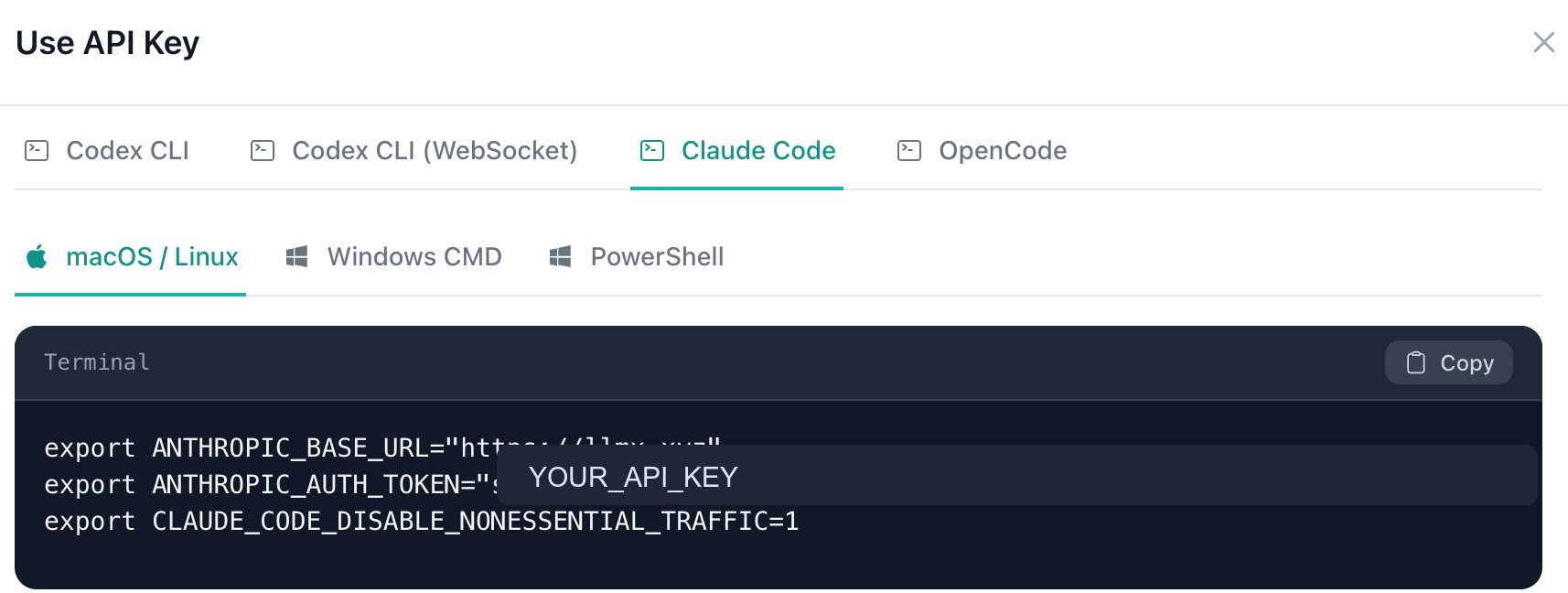
Use Key
on the right.
openclaw onboard
in your terminal to start the OpenClaw onboarding flow.
Custom Provider
for Model/auth provider.
API Base URL should be
https://llmx.xyz/v1. Choose Paste API key now,
then paste the key from the API Keys page.
OpenAI-compatible
or Anthropic-compatible based on the model family behind
your key.
Model ID. When you see
Verification successful, set Endpoint ID to
llmx.xyz or any custom name.
Verification successful, the configuration is ready
to use.| Default | https://llmx.xyz |
|---|---|
| Optional | https://llmx.xyz/v1 |
| OpenAI Completions | https://llmx.xyz/v1/chat/completions |
|---|---|
| OpenAI Responses | https://llmx.xyz/v1/responses |
| Anthropic Messages | https://llmx.xyz/v1/messages |
| Google Generative AI | https://llmx.xyz/v1beta/models/gemini-3-flash-preview:generateContent?key=sk-xxx
|
| OpenAI |
|
|---|---|
| Anthropic |
|
| Google Generative AI |
|
curl https://llmx.xyz/v1/chat/completions \
  -H "Content-Type: application/json" \
  -H "Authorization: Bearer YOUR_API_KEY" \
  -d '{
    "model": "gpt-5.4",
    "messages": [
      {
        "role": "user",
        "content": "Hello, briefly introduce yourself."
      }
    ]
  }'